The tutorial covers complete LINE OA setup and enables Messaging API.
1. Create a LINE OA
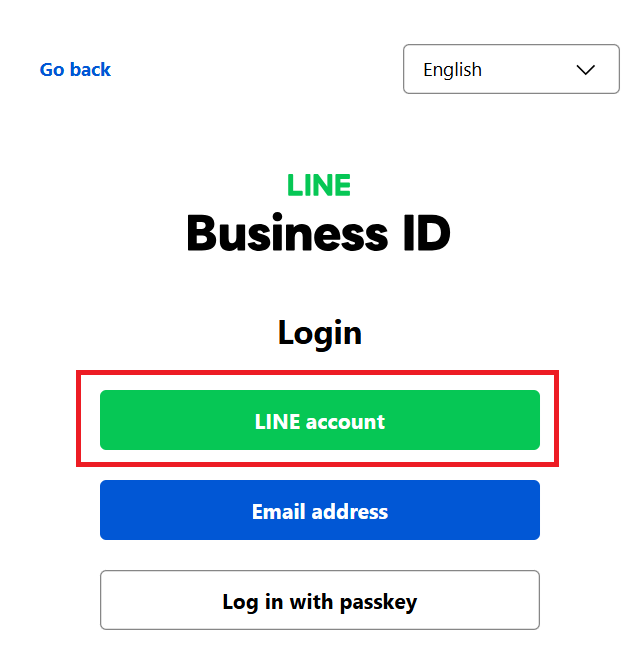
Go to the LINE Official Account Manager (https://manager.line.biz/) page and login of your account. This will be the account your users interact with.
2. Enable Messaging API
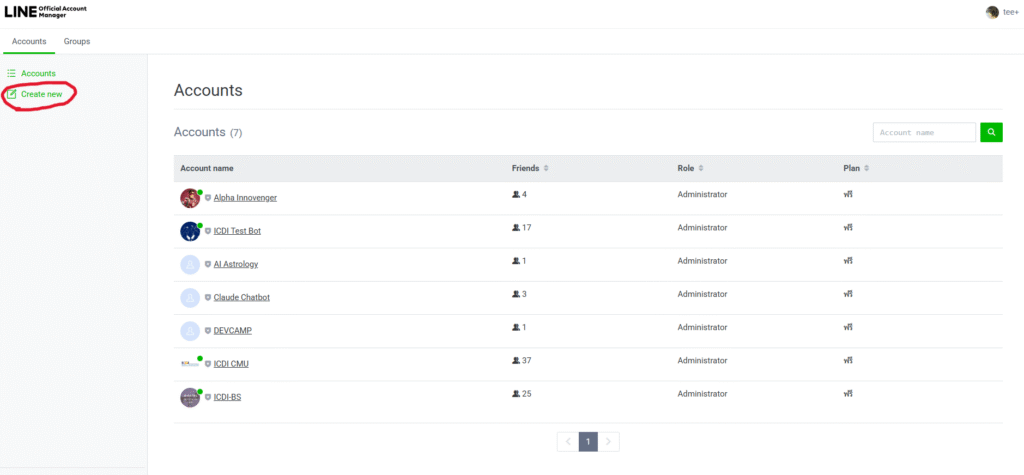
Navigate to the LINE Developers Console. Create a new “Official Account” (e.g., your company name)
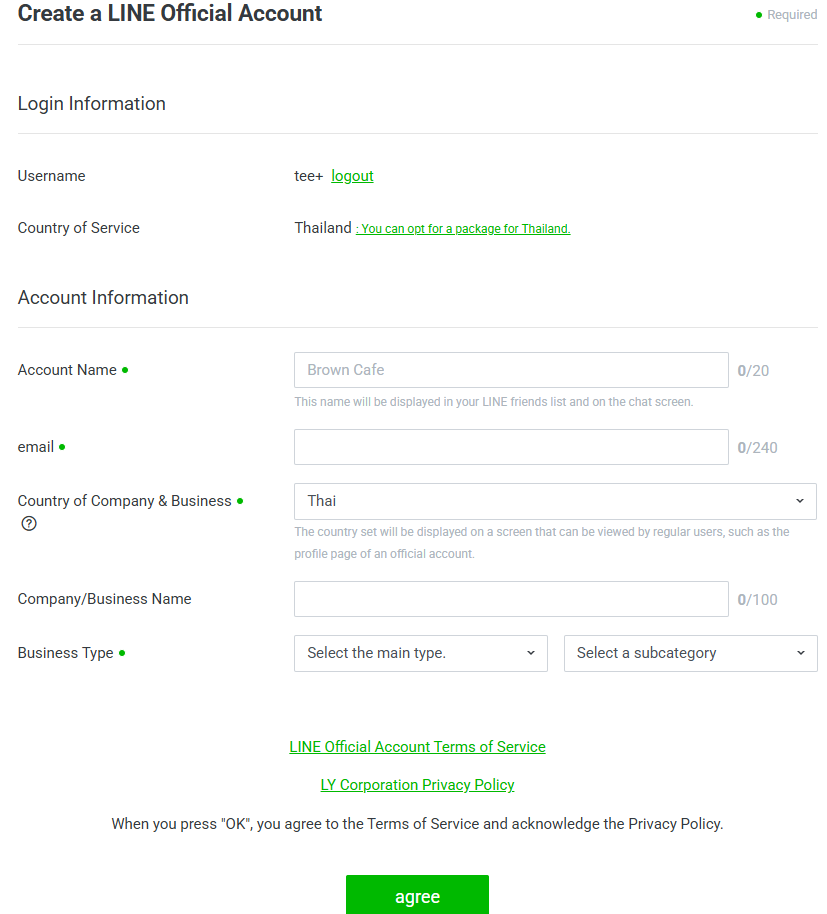
Filling in all information, including “Account Name,” “Email,” “Country of Company…” and “Business Type” of your account:
and then enable “Messaging API”.
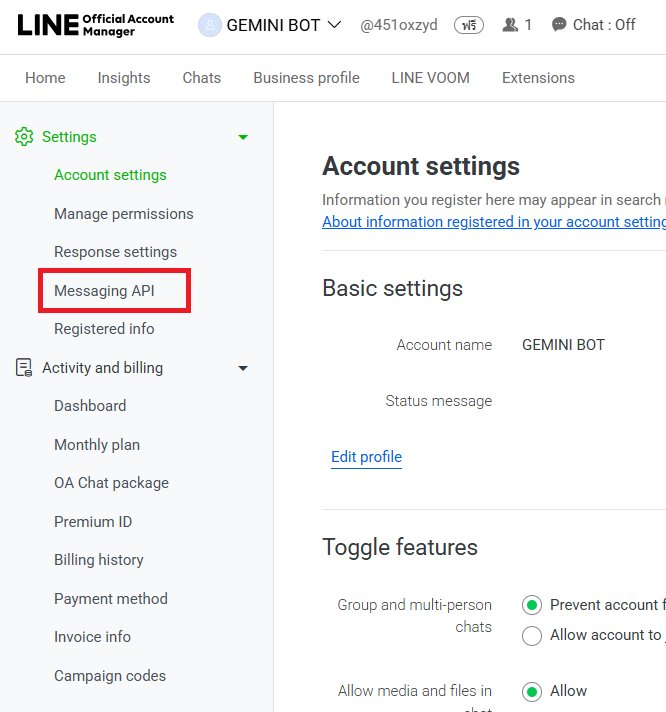
Go to LINE Official Account Manager, then click “Settings”
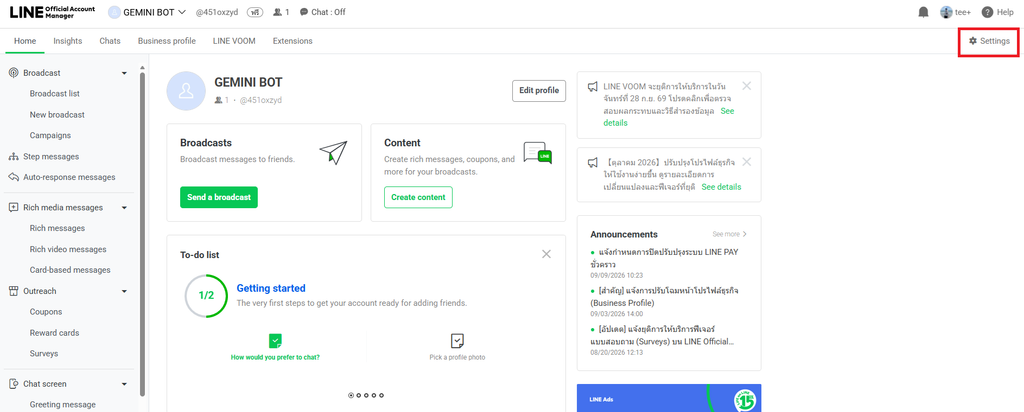
Click “Messaging API” menu.
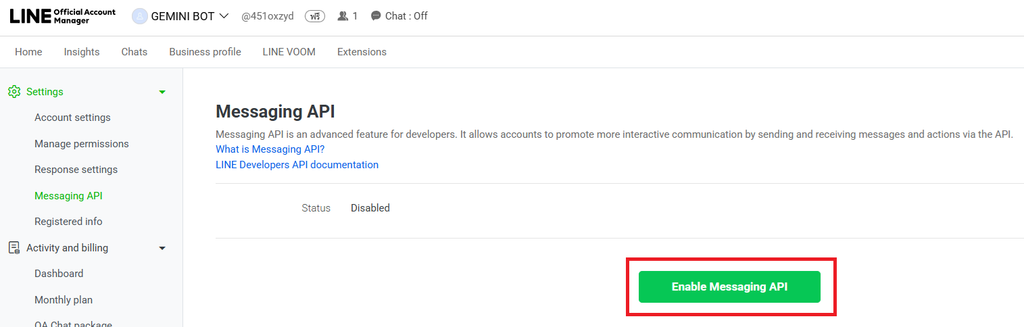
Then click “Enable Messaging API”,
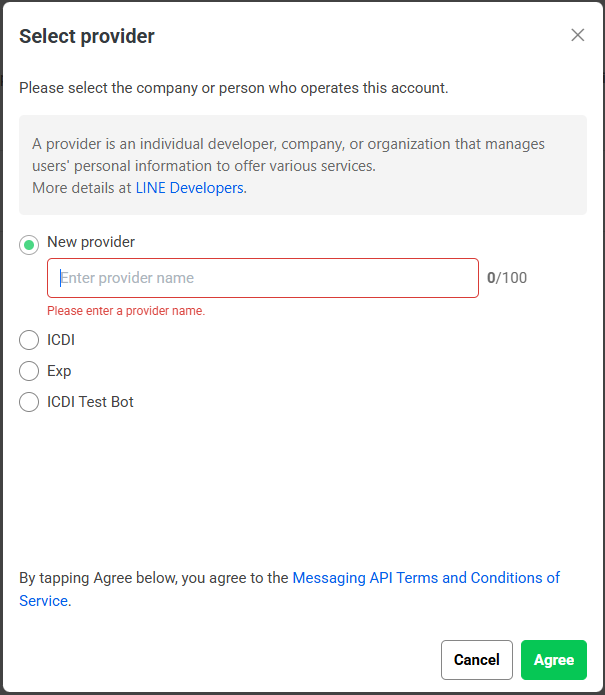
You can choose the new provider’s name or use the existing one, and click “Agree” button.
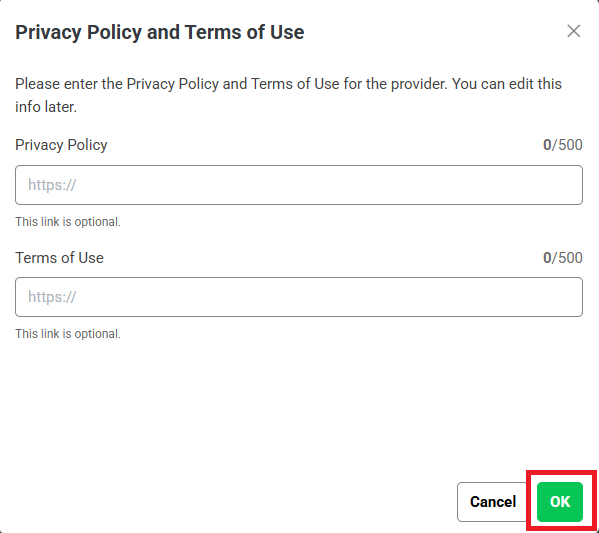
Then click “OK” button.
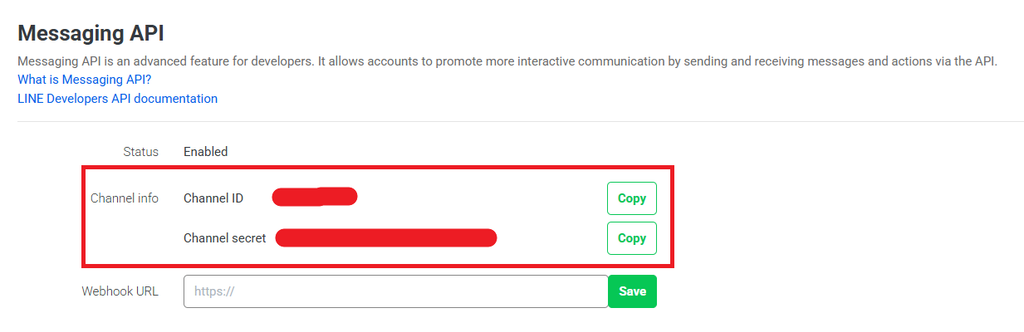
Now you will see the Channel info which is “Channel ID” and “Channel secret”
References:
- Get started with the Messaging API https://developers.line.biz/en/docs/messaging-api/getting-started
- Creating LINE Official Account EP.1 https://www.youtube.com/watch?v=qHKCgCusee4&list=PLyOJN_bAzw3jcOxupqianlvqM9f_rwW1g until time 2.09.